
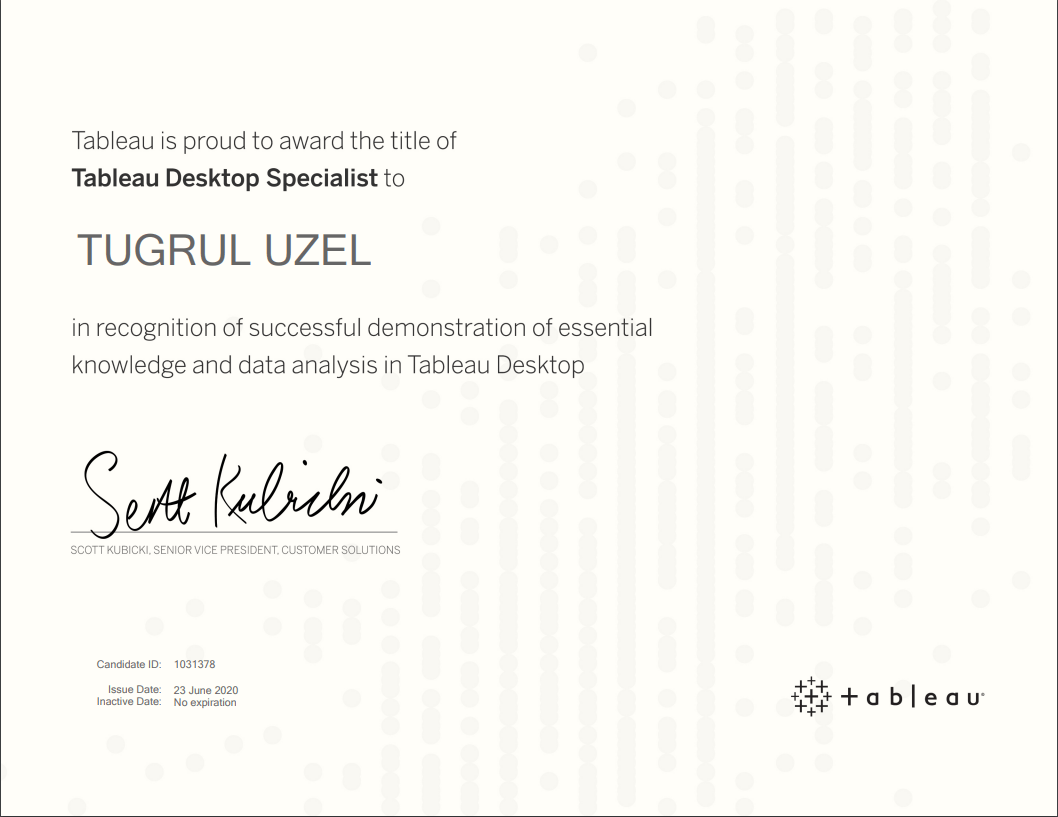
I’ve passed my Tableau Desktop Specialist exam today after training for over 2 months.
Although I’ve used Tableau only a few times during college, I haven’t started using it daily before. During COVID-19 with Tableau’s free eLearning for 90 days offer, I’ve set myself a goal to finish the Desktop-I training before end of June and pass the Tableau Desktop Specialist and today I passed the exam with 79% 😊
Exam Preparation and Resources
I’ve used a few resources to get ready for the exam and learn Tableau.
Tableau eLearning: I’ve finished Tableau eLearning Activities and Videos by going through them 3-5 hours per week between April and June 2020. Here is a link to notes I took while going through eLearning. (This is the draft version, will clean up notes and share as a different post)
Tableau Desktop Specialist Exam guide – This is a great guide with example questions and topics that will be covered in the exam. You can use the list of topics to prepare yourself.
Youtube: There are many good videos on YouTube to get prepared for the exam. I would recommend watching Emin Cengay’s Facts, Questions Formats and Exam Day Tips video.
Combined Questions & Preparation Guide: This Post of Saahithi Jyothy Surapaneni on LinkedIn helped me a lot to understand what to expect from the exam and Knowledge Based Questions were great guide.
Exam:
The proctor was helpful during the checks and exam. She started with explaining the exam rules and how the process will work. We went through ID confirmation, checking my desk and room to make sure I’m alone and there is nothing else than the laptop and my ID on my desk.
When I clicked on start the exam, the link didn’t work and gave an error, but the proctor was quickly able to share a new link to the exam for me.
During the exam, don’t forget to flag the questions you are not sure or want to answer later. I went through the 30 questions and answered the questions that I could. Then, I went through the flagged questions. Don’t forget that you can use Tableau help website during the exam, but some questions are trickier to find answers for through Knowledge base.
If I were to prepare for the exam again, I would read more on the community and Knowledge base as I was more focused on hands-on experiences and wasn’t sure about some knowledge questions.
After Exam:
You get the exam result as soon as you finish it and receive the certificate within an hour. Tableau sends a results file to give you more details where you can in which areas you were successful and not. I would love to see the full list of questions and my answers to see where my mistakes came from but unfortunately, it’s not possible to get this now. I’ve been given information about 4 categories in my result sheet:

I’m happy with the Exploring and analysing Data and Understanding Tableau Concepts whereas need to go through Sharing Insights. I’m guessing these were the questions about Dashboards. I haven’t done enough practice and training on dashboards so would need to focus on these topics as next step.
As I’ve passed the Tableau Desktop Specialist exam the next step would be using Tableau daily in work to improve the insights I share with different stakeholders. Also, I’ve started going through the Desktop-II training already which is recommended to pass the Certified Desktop Associate exam. Hopefully I’ll be back with another post to explain my experiences with Desktop-II training and Certified Associate Desktop exam result before the end of 2020.



 Tugrul Uzel